
Wi-Fi Dead Spots: Mesh, Extenders and Wired Backhaul Explained
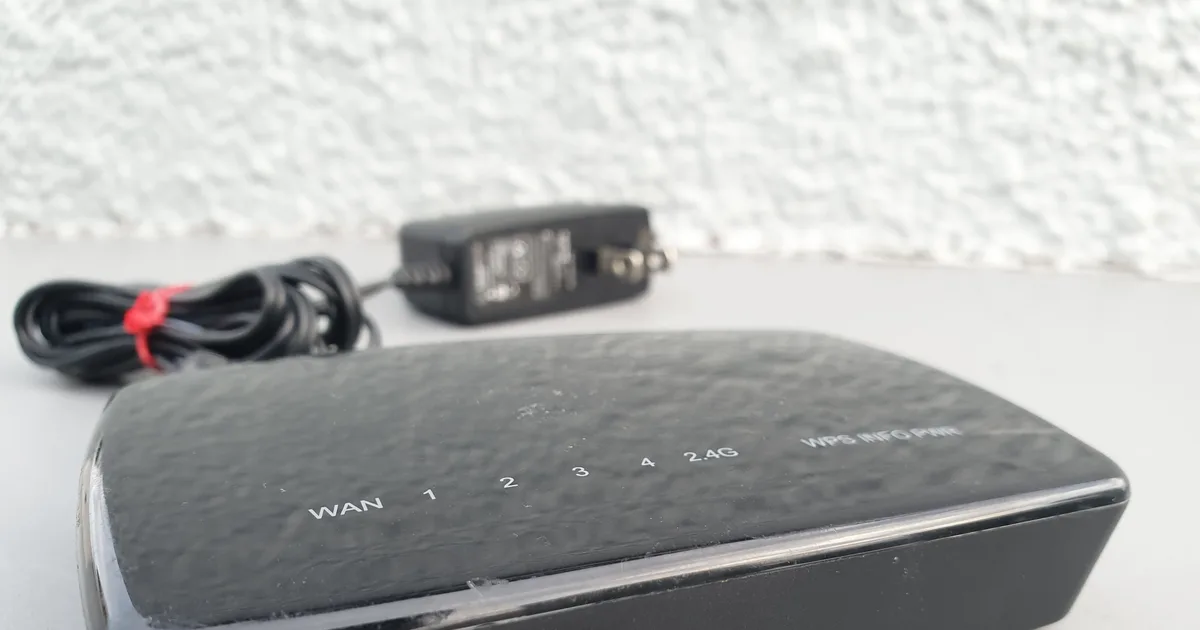
The instinct when Wi-Fi is weak in the back bedroom is to buy something more powerful. It is usually the wrong purchase, because the problem is rarely the router's transmit power.
Two things explain most dead spots. First, what sits between the router and the device — concrete, brick, foil-backed insulation, metal studwork, mirrors, and water in pipes and aquariums all absorb signal, and two internal walls will cost you more than any antenna upgrade recovers. Second, an asymmetry people forget: your phone or laptop transmits at far lower power than the router does. A router that shouts louder does not help if the client cannot shout back.
Try the free fixes first
Before buying anything, four changes cost nothing and fix a surprising share of complaints.
Move the router. Central, elevated and in the open. Not in a cupboard, not on the floor, not behind a television. Signal radiates outward and downward, so a router in a corner of the ground floor is wasting most of its coverage on the garden.
Pick a clear channel. On 2.4 GHz only channels 1, 6 and 11 do not overlap; a free phone scanning app will show what your neighbours occupy. Use a narrower channel width on 2.4 GHz to reduce interference, and a wider one on 5 GHz where you have clear air.
Enable QoS if your router supports it, so a large upload or a video call is prioritised over background traffic.
Check the router's age. A device more than five or six years old may simply be the constraint. And no Wi-Fi upgrade can exceed the speed your internet connection actually delivers — worth confirming before blaming the wireless.
Band choice is a trade, not a ranking
- 2.4 GHz travels furthest and penetrates walls best, but is slower and heavily congested — shared with microwaves, cordless phones, baby monitors and every neighbour.
- 5 GHz is much faster with far less congestion, and noticeably worse through walls.
- 6 GHz, on Wi-Fi 6E and 7 hardware, is faster still and almost empty of interference, with the shortest effective range of the three.
The practical implication: for a distant device that only needs to work reliably — a garden camera, a smart plug, a printer — 2.4 GHz is the correct band, and forcing it onto 5 GHz is why it keeps dropping. For a workstation or television that needs throughput, solve the problem with placement or cable rather than demanding range from a high band.
Mesh: the right answer for most houses
A mesh system uses several units sharing one network name, handing devices between them as you move. It is what most multi-storey or awkwardly-shaped homes should buy.
The specification that matters is the backhaul — how the nodes talk to each other — and it is the thing least discussed on the box.
A node connected to the main router by Ethernet gives you full speed and is the best possible arrangement. A node relying on wireless backhaul spends part of its capacity relaying, which is why a single wireless hop typically halves throughput. Two hops halve it again.
This leads to the most common mesh mistake: placing a node where the signal has already died. A node can only relay what it receives, so a unit at the very edge of the main router's coverage will rebroadcast a weak signal and perform badly. Place nodes where the signal is still good — roughly halfway to the dead spot, not in it.
Extenders: cheap, and the least satisfying
A basic range extender rebroadcasts the router's signal. It halves throughput, often creates a second network name you must switch between manually, and adds latency. For a single low-demand dead spot — a garage door opener, a doorbell — it is fine and costs very little. As the foundation for a whole house it will disappoint.
Wired backhaul, including the two options people forget
Running Ethernet is unglamorous and beats everything wireless. If you can get a cable to the far end of the house and put an access point or mesh node there, do that and stop reading.
Where you cannot run cable, two technologies use wiring you already have:
MoCA adapters send network traffic over existing coaxial television cabling. Where coax exists, this is generally fast and stable — often the best non-Ethernet option, and underused because few people know it exists.
Powerline adapters use mains wiring. Performance depends heavily on your circuits: same-circuit runs work well, while crossing between phases at the consumer unit can be very poor. Neither MoCA nor powerline works through a surge-protected power strip, which is the most common reason someone reports that their new adapters do nothing.
Genuinely long distances need different equipment
If you are covering a barn, a detached workshop or a neighbouring building, indoor gear is the wrong tool. That is a point-to-point job using a pair of outdoor directional units aimed at each other.
Three things decide whether it works. You need line of sight — not merely a visible gap but a clear zone around the beam path, so a tree line halfway along will disrupt a link that looks clear on a map. You need directional antennas, rated in dBi, where higher gain means longer reach and a narrower beam that must be aimed more precisely. And you need mounting height above obstructions, which usually matters more than buying more gain.
Outdoor equipment should be weather-rated, powered over Ethernet so only one cable runs outside, and fitted with surge protection and proper earthing — an elevated outdoor antenna is an attractive path for a nearby lightning strike.
On coverage claims
Advertised square-footage figures are measured in open conditions and will not reproduce in a real building with real walls. Treat them as a rough comparison between products rather than a promise about your home, and buy from somewhere with a returns policy so you can test in place. The only coverage figure that means anything is the one you measure standing in the room that was the problem.
If you are shopping, our ranked comparison of long-range Wi-Fi equipment covers how mesh systems and outdoor units differ on backhaul, bands and real-world coverage, scored against the criteria in our rating methodology.
Specifications, standards and pricing in this category change quickly. Confirm current details with the manufacturer, and check your internet plan's actual speed before attributing a slow connection to Wi-Fi.