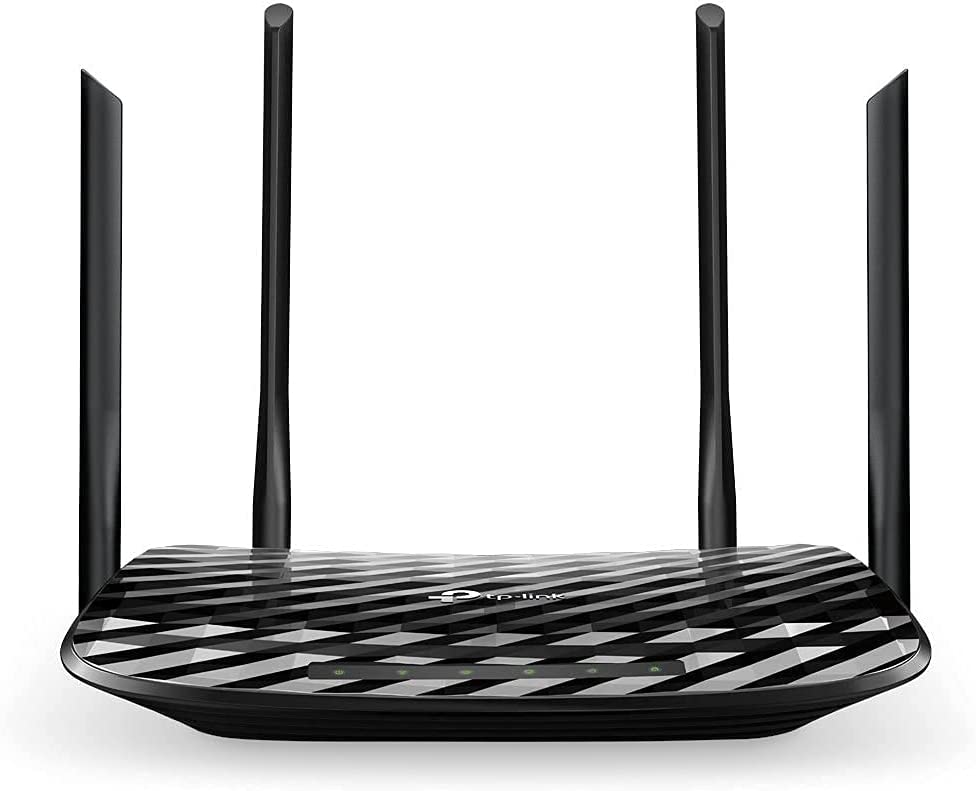
Our recommendation
ASUS AC3100 WiFi Gaming Router is our top-scoring pick in Long Range Wifi, at 10.0/10 (frequency band class: Dual-Band).
NETGEAR Nighthawk X4S Smart WiFi Router sits just 0.2 behind at 9.8, close enough that the deciding factor is usually which specification matters more to you (wireless type: 802.11a/b/g/n/ac).
Both scores are our editors’ assessment of published specifications, pricing and terms against the criteria in our rating methodology — they are not aggregated customer reviews.
Why range is usually not the real problem
Most people shopping for "long range" Wi-Fi are solving the wrong variable. Wi-Fi rarely fails because the transmitter is too weak; it fails because of what sits between the router and the device, and because of an asymmetry people forget — your phone or laptop transmits at far lower power than the router does. A router that shouts louder does not help if the client cannot shout back.
What actually attenuates a signal, in rough order of severity: concrete and brick walls, foil-backed insulation and metal studwork, mirrors and metallised glass, water including aquariums and full pipework, and floors between storeys. Two internal walls will cost you more than any antenna upgrade recovers.
Band choice is a range-versus-speed trade
- 2.4 GHz travels furthest and penetrates walls best, but is slower and heavily congested — it is shared with microwaves, cordless phones, baby monitors and every neighbour's network.
- 5 GHz is much faster with far less congestion, and noticeably worse through walls.
- 6 GHz, available on Wi-Fi 6E and 7 hardware, is faster still and almost empty of interference, with the shortest effective range of the three.
The practical implication: for a distant device that only needs to work reliably — a garden camera, a smart plug, a printer — 2.4 GHz is the right band. For a workstation or television that needs throughput, solve the problem with placement or wiring rather than by demanding range from a high band.
Choosing the right fix for your situation
Mesh systems
Multiple units share one network name and hand devices between them. This is the right answer for most homes. The critical specification is the backhaul — how nodes talk to each other. A node connected to the main router by Ethernet gives you full speed. A node relying on wireless backhaul spends part of its capacity relaying, which is why a single wireless hop typically halves throughput, and a node placed at the very edge of the main router's coverage will relay a weak signal and perform poorly. Place nodes where the signal is still good, not where it has already died.
Range extenders
Cheap and the least satisfying option. Basic extenders halve throughput, often create a second network name you must switch between manually, and add latency. Reasonable for a single low-demand dead spot; a poor foundation for a whole house.
Wired backhaul, including powerline and MoCA
Running Ethernet is unglamorous and beats everything wireless. Where you cannot run cable, MoCA adapters use existing coaxial television wiring and are generally fast and stable. Powerline adapters use mains wiring, and their performance depends heavily on your circuits — same-circuit runs work well, while crossing between consumer-unit phases can be very poor. Neither works through a surge-protected power strip.
Genuine long-distance links
If you are covering a barn, a detached workshop or a neighbouring building, indoor equipment is the wrong tool. That is a point-to-point job using a pair of outdoor directional units aimed at each other.
Three things decide whether it works. You need line of sight — not merely a visible gap, but a clear elliptical zone around the beam path, so a tree line halfway along will disrupt a link that looks clear on a map. You need directional antennas, rated in dBi, where higher gain means longer reach and a narrower beam that must be aimed more precisely; omnidirectional antennas spread energy in all directions and are for coverage, not distance. And you need mounting height above obstructions, which usually matters more than buying more gain.
Outdoor gear should be rated for weather ingress, powered over Ethernet so only one cable runs outside, and fitted with surge protection and proper earthing, since an elevated outdoor antenna is an attractive path for a nearby lightning strike.
Settings that cost nothing
Before buying hardware, try these. Move the router to a central, elevated, open position — not a cupboard, not the floor, not behind a television. Select a clear channel: on 2.4 GHz only channels 1, 6 and 11 do not overlap, and a phone scanning app will show what your neighbours occupy. Use a narrower channel width on 2.4 GHz to reduce interference, and a wider one on 5 GHz where you have clear air. Finally, check your own router's age — a device more than five or six years old may be the constraint, and note that no Wi-Fi upgrade can exceed the speed your internet connection actually delivers.
Advertised coverage figures are measured in open conditions and will not reproduce in a real building. Treat them as a comparison between products rather than a promise about your home, and check the return policy so you can test in place.